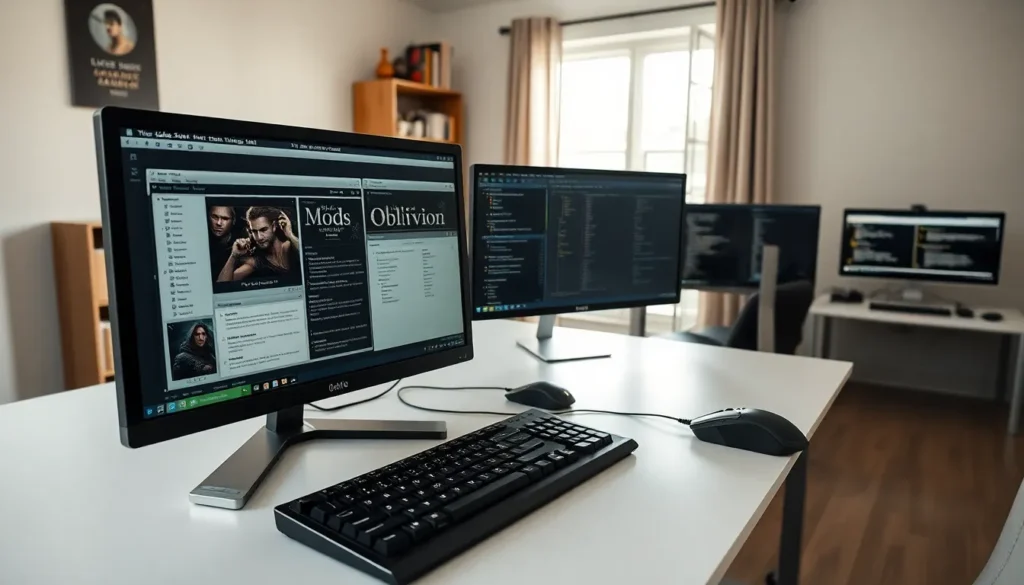

Oblivion tools transform The Elder Scrolls IV from a classic RPG into a fully customizable experience. Released in 2006, Oblivion still attracts thousands of players who use modding utilities to improve graphics, fix bugs, and add new content. These tools range from official editing software to community-created programs that optimize performance and manage mod installations. Whether someone wants to create custom quests or simply make the game run smoother on modern hardware, the right utilities make all the difference. This guide covers the essential oblivion tools every player should know about.
Key Takeaways
- Oblivion tools are essential software programs that help players modify, optimize, and enhance their Elder Scrolls IV gaming experience.
- The Construction Set and TES4Edit are must-have oblivion tools for creating custom content and resolving mod conflicts.
- Wrye Bash and BOSS/LOOT handle mod management and load order sorting to prevent crashes and compatibility issues.
- Performance tools like Oblivion Stutter Remover, 4GB Patch, and OBSE fix memory issues and enable advanced mods on modern systems.
- Always install Oblivion outside Program Files and back up your game folder before adding any modding utilities.
- Test your game after each major tool installation to identify and troubleshoot problems early.
What Are Oblivion Tools?
Oblivion tools are software programs that help players modify, optimize, and enhance their game experience. These utilities serve different purposes, some let users create new content, while others manage mod installations or boost performance.
The modding community has developed hundreds of oblivion tools over the years. Some handle specific tasks like texture compression, while others provide complete mod management solutions. Players can use these tools to:
- Create custom quests, items, and NPCs
- Manage large mod libraries without conflicts
- Improve frame rates and reduce crashes
- Update textures and lighting effects
- Fix bugs that Bethesda never patched
Most oblivion tools are free and open-source. The community maintains them through forums like Nexus Mods and GitHub repositories. New users should start with basic utilities before moving to advanced editing programs.
Understanding which tools fit specific needs saves time and frustration. A player who just wants better graphics needs different software than someone building a total conversion mod. The sections below break down the most important oblivion tools by category.
Must-Have Modding Utilities
Construction Set and Level Editors
The Construction Set (CS) is the official modding tool Bethesda released with Oblivion. It allows users to create almost anything, new dungeons, quests, characters, and game mechanics. The CS uses the same editor Bethesda’s developers used, which gives modders significant control over the game.
Key features of the Construction Set include:
- World space editing for outdoor and interior cells
- Dialogue trees and quest scripting
- NPC creation with custom AI packages
- Item and spell design
The Construction Set Extender (CSE) adds functionality the original CS lacks. It provides a more stable editing environment and includes features like auto-save and improved rendering. Most serious modders consider CSE essential for any project.
TES4Edit is another critical tool for modders. It reads and edits Oblivion’s plugin files directly. Users clean mods of dirty edits, resolve conflicts between plugins, and merge multiple mods into single files. TES4Edit has saved countless modding projects from compatibility issues.
File Management and Optimization Tools
Wrye Bash stands as the premier mod management tool for Oblivion. It creates “Bashed Patches” that merge leveled lists from multiple mods, preventing conflicts that would otherwise break the game. Wrye Bash also handles mod installation, load order sorting, and archive invalidation.
Oblivion Mod Manager (OBMM) provides an alternative approach. It packages mods into OMOD files that install and uninstall cleanly. OBMM works well for users who prefer a simpler interface than Wrye Bash offers.
BOSS (Better Oblivion Sorting Software) automatically sorts plugin load order. Load order determines which mods take priority, and incorrect ordering causes crashes or missing content. BOSS reads a master list maintained by the community and arranges plugins accordingly. Modern users often switch to LOOT, which evolved from BOSS with improved algorithms.
Archive Invalidation tools ensure the game loads modded textures and meshes instead of default files. Without proper invalidation, custom content simply won’t appear. Most mod managers include this function, but standalone utilities exist for manual setups.
Performance and Graphics Enhancement Tools
Oblivion Stutter Remover (OSR) addresses performance problems that plague the game on modern systems. It fixes memory management issues and reduces the micro-stuttering that occurs during gameplay. OSR requires proper configuration, incorrect settings can cause more problems than they solve.
Oblivion Script Extender (OBSE) isn’t strictly a performance tool, but it enables advanced mods that improve gameplay. Many graphics and performance mods require OBSE to function. Installing OBSE opens access to hundreds of additional mods.
4GB Patch allows Oblivion to use more system memory. The original executable only accessed 2GB of RAM, which limits how many mods can run simultaneously. This patch doubles available memory and reduces crashes in heavily modded setups.
ENB Series provides post-processing effects that dramatically improve visuals. Users add ambient occlusion, depth of field, bloom, and color correction. ENB presets range from subtle enhancements to complete visual overhauls. Performance impact varies by preset and hardware.
Oblivion Graphics Extender (OBGE) adds shader effects the engine doesn’t support natively. It works alongside or instead of ENB, depending on user preference. OBGE handles effects like screen-space reflections and dynamic shadows.
DDSOpt compresses texture files to reduce VRAM usage without visible quality loss. Players running many texture mods benefit from processing files through DDSOpt. The tool can batch-process entire mod folders.
How to Install and Use Oblivion Tools Safely
Proper installation prevents most problems users encounter with oblivion tools. Following these steps ensures a stable modding setup:
- Install Oblivion outside Program Files. Windows security features interfere with modding tools when the game sits in protected directories. Use a location like C:GamesOblivion instead.
- Back up the game folder. Copy the entire Oblivion directory before installing any tools or mods. This backup allows quick recovery if something breaks.
- Install utilities in the correct order. OBSE goes first, followed by mod managers, then individual tools. Some programs depend on others being present.
- Read documentation. Each tool includes readme files or wiki pages explaining proper setup. Skipping this step leads to configuration errors.
- Test after each major addition. Launch the game and play briefly after installing new tools. Identifying problems early makes troubleshooting easier.
Common mistakes include mixing incompatible tools and ignoring system requirements. Some oblivion tools conflict with each other, running multiple memory patchers causes crashes. Checking compatibility lists on Nexus Mods prevents these issues.
Users should also verify their Oblivion version matches tool requirements. Some utilities only work with specific game patches. The latest official patch (1.2.0416) works with most modern tools.